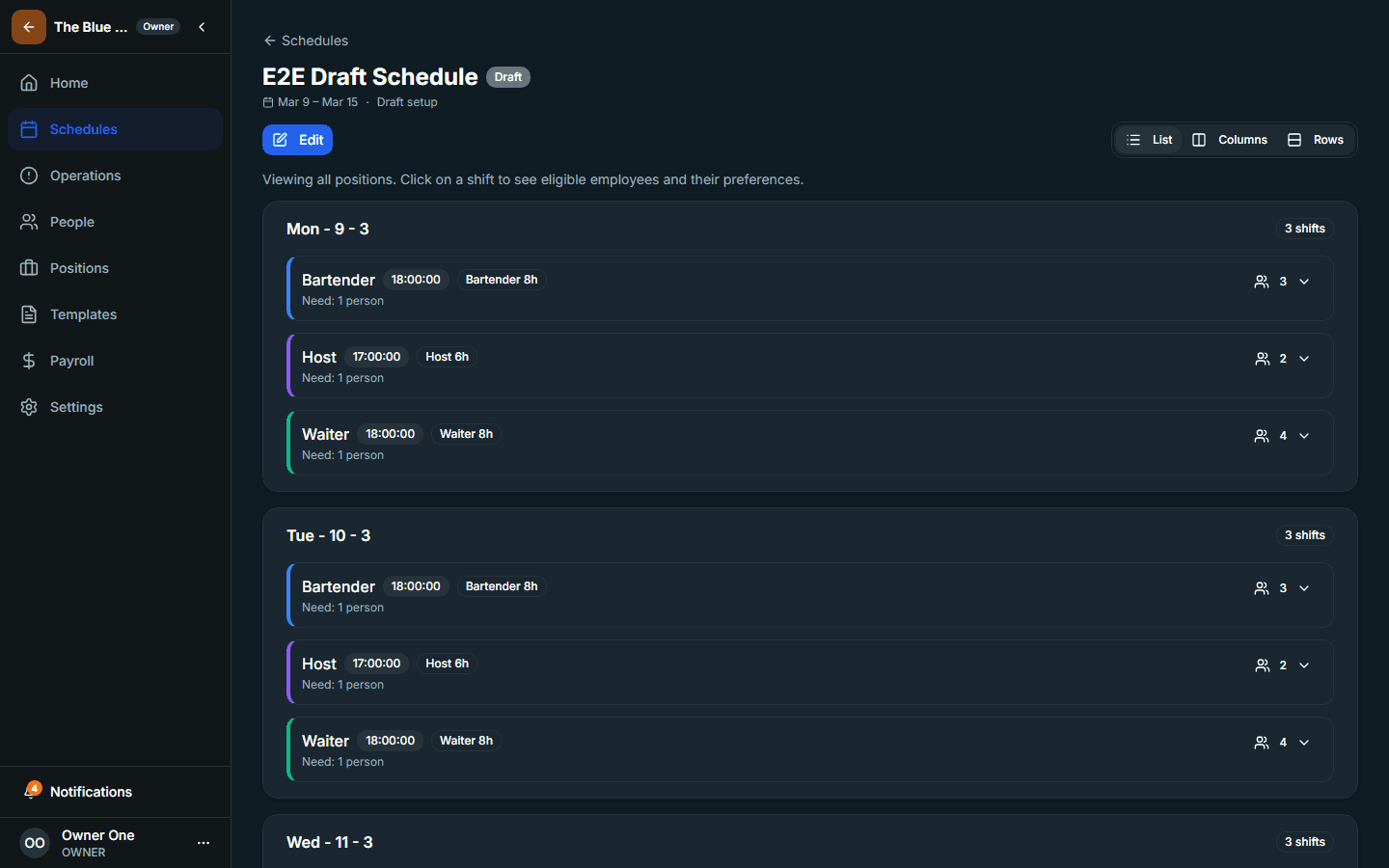
Once the workforce model is in place, the next step is to create the first draft schedule window and move the workspace into a usable planning cycle.
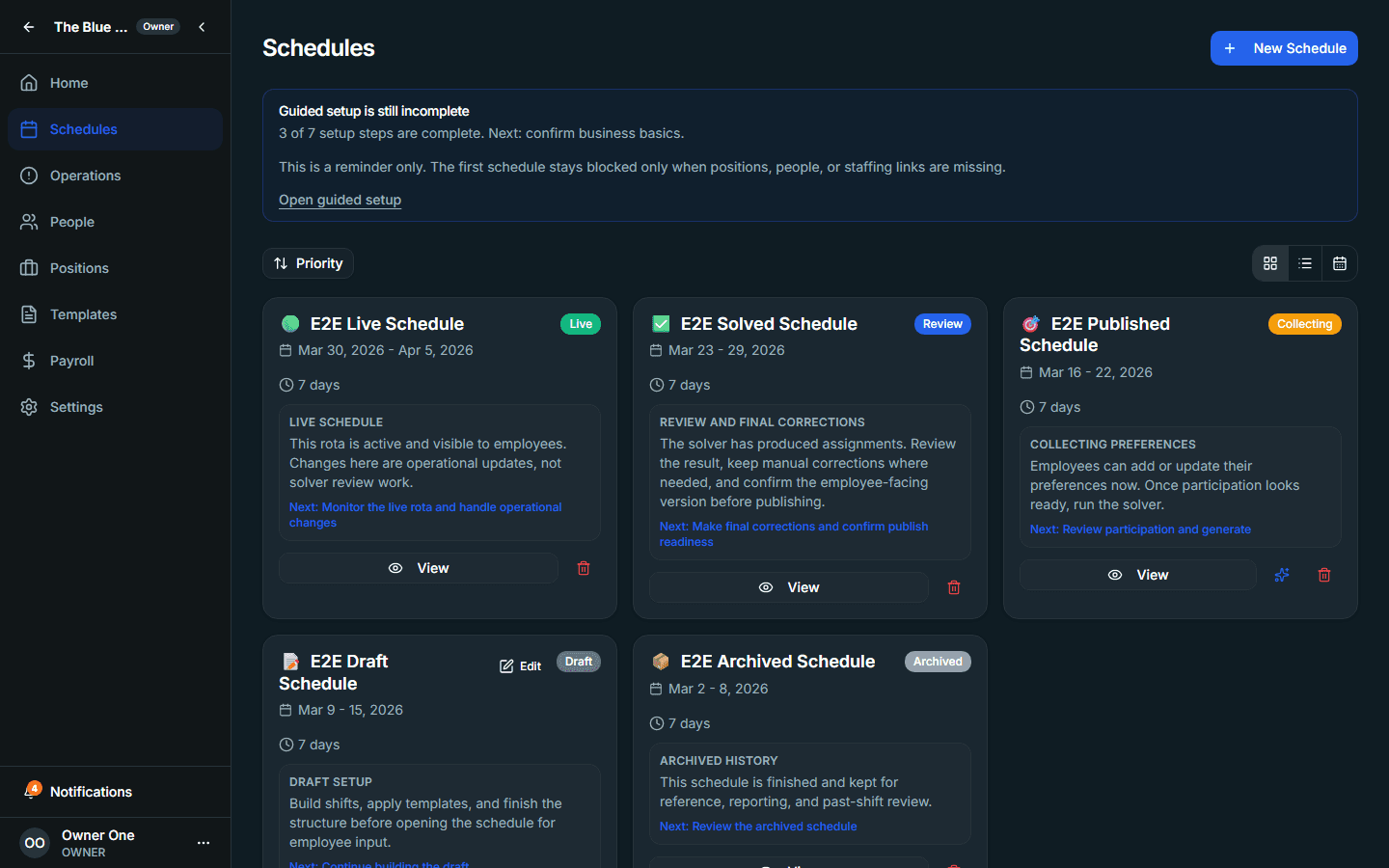
1. Open Schedules and review existing drafts
Use the Schedules page to see whether the workspace already has historical or active drafts. If you are starting from scratch, this page becomes your entry point for the first schedule window.
2. Create the draft schedule window
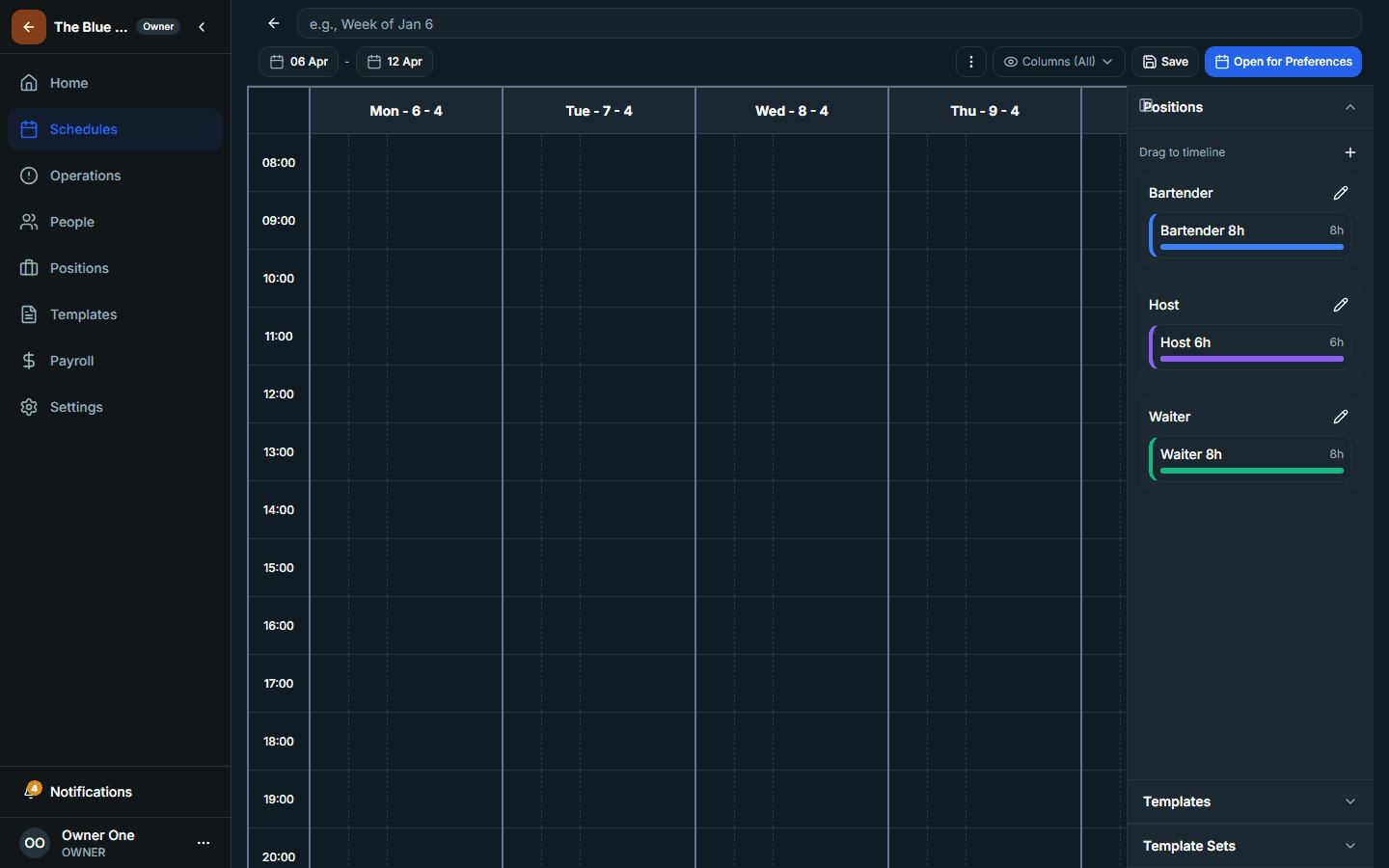
- Choose the correct date range
- Set the draft basics for the schedule you are about to review
- Save the schedule so it becomes available in the list
3. Use the draft as the working object for the next lifecycle steps
After the draft exists, Intermio's lifecycle controls can guide the next actions: preference collection, solve review, and the final publication decision.
Do not rush publication
The first goal is to create a reviewable draft, not to skip directly to a live schedule.